Glassbreakers Champion Skins - Offline Cloth Dynamics
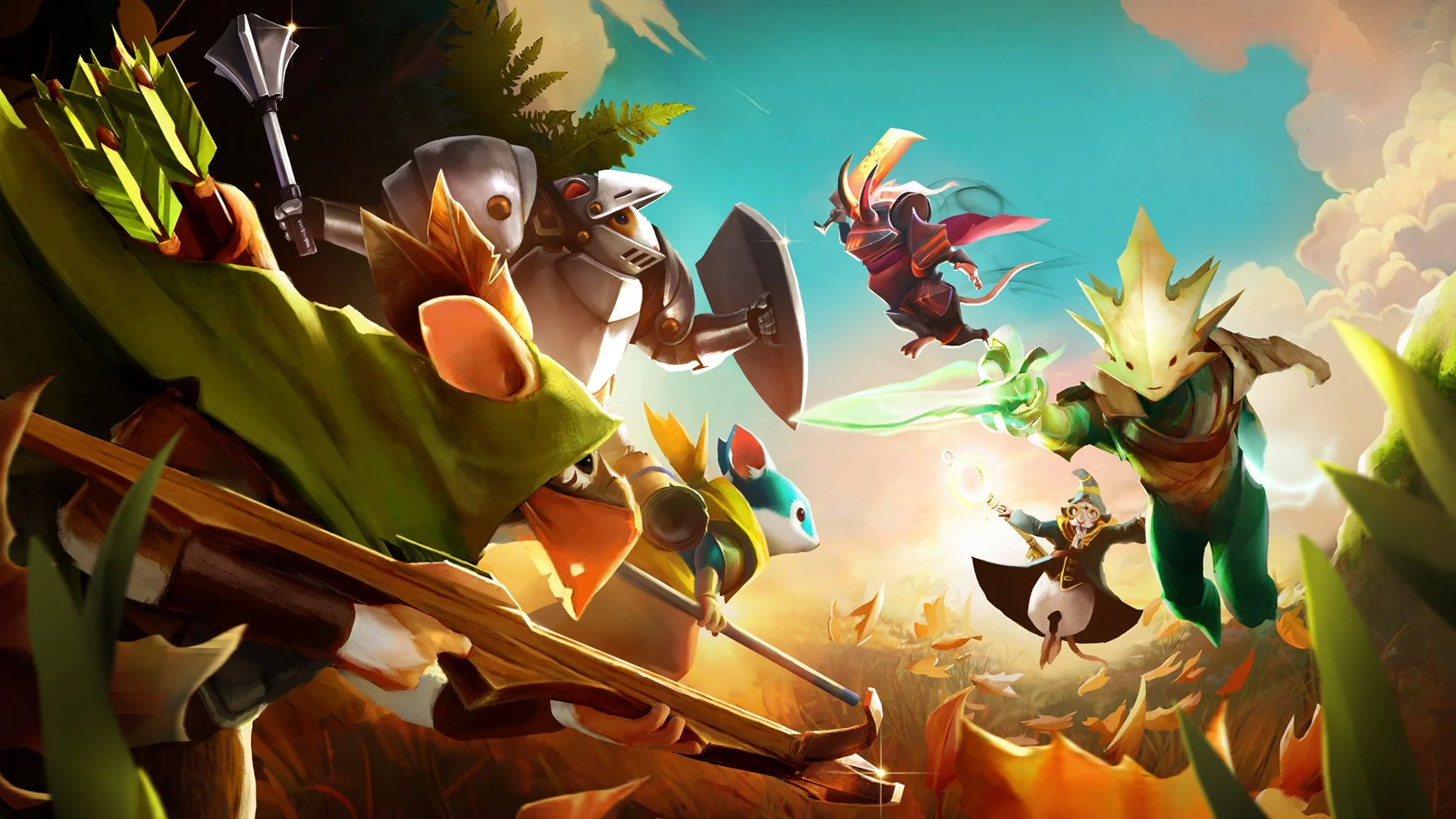
This was my first assignment during my time at Polyarc as a Technical Animator. In total, I was responsible for the character rigging, skinning, UE integration, and runtime skin dynamics for 36 skins across 12 champions
Some champions were more demanding than others but the performance budget was the overall constraint on how complex the rigs could get. Since the game was being developed for VR (which already has the limitation of rendering the image twice each frame - one for each eye), each champion was limited to a single draw call and had a max 4,000 tri-count. Off the bat, the single draw call limitation restricted the use of UE cloth physics even without the runtime performance hit.
This became an issue when concept skins included very prominent cloth features, such as Gwen’s Joan skin which had a floor length dress. Joan’s rig could be easily modified for the skin, but the question became how the secondary motion would be handled. Early in production, Art and Animation made a contract that champion keyframe animation would only be authored for the lead mesh and any additional skins would need to conform to those animations. As the project evolved, the need for more distinct character silhouettes increased to help justify the monitization efforts.
I was confident that basic runtime joint modification ABP nodes could handle some simple dynamics like a scarf or a floppy hat, but high clipping pieces that would require collision would be too expensive for the CPU thread. (Glassbreakers was initially developed on UE4 so Control Rig was unused since it was still experimental).
My solution was to utilize an offline rendering technique to achieve a high quality result while being performance friendly. I built a batch pipeline for cloth simulation in Maya that could be executed whenever a champion was animation complete or when any animations were updated. The process involved:
A Cloth simulation setup with collision meshes and cloth parameters tuned to fit the overall art direction.
The rig skeleton with cloth joints bound to the new skin mesh.
Proximity pins attached to the simulated cloth mesh. The bind skeleton cloth joints would then be constrained to these pins.
The batch process of importing the animation onto the simulation rig, catching the simulation, baking the animation onto the bind skeleton, and exporting the animation FBX into a staging folder.
Cleanup of the baked cloth animation - this was largely handled as an automated process that smoothed the keys similar to cleaning mocap data. On some instances, I performed manual cleaning if the simulation didn't loop cleanly.
Exporting into Unreal and reimporting the animation clips.